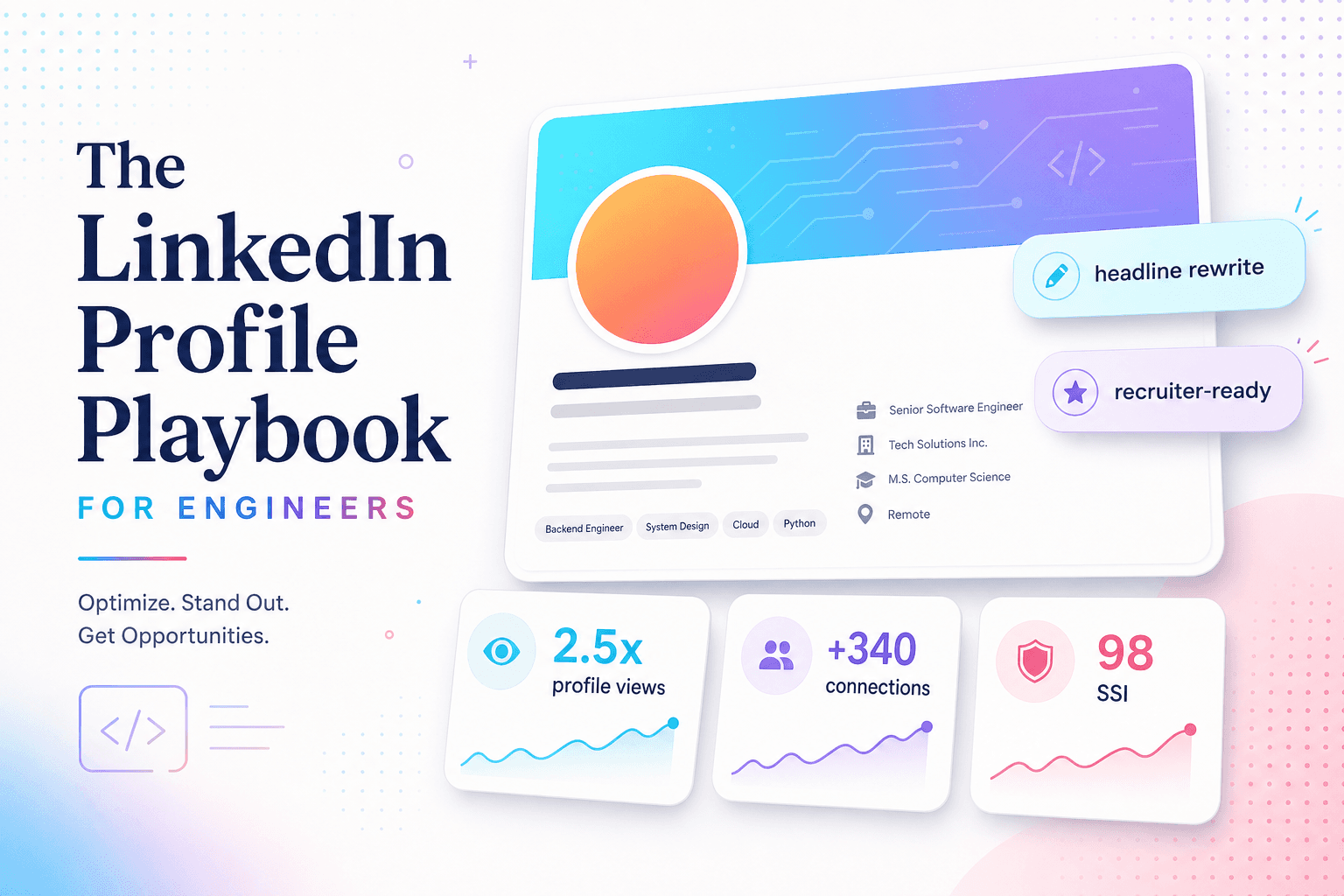
The LinkedIn Profile Playbook for Engineers
Most engineering profiles on LinkedIn are technically accurate and emotionally invisible. Here's the PathWand playbook we use to triple recruiter outreach — without performative posts or buzzwords.
April 12, 2026 · 7 mins
Why most engineer profiles fail silently
There's a specific kind of LinkedIn profile we see all the time on the PathWand intake form: the one where the information is technically correct, the formatting is fine, and nothing about it would make a recruiter slow down.
The good news is the fix isn't writing more — it's writing for the right person, in the right order.
1. Your headline isn't a job title — it's a magnet
Default headlines look like "Software Engineer at Acme". They tell a recruiter nothing they didn't already see in your work history.
A good headline does three things:
- Names the role you want next (not necessarily the one you have)
- Hints at the kind of company (size, stage, domain)
- Adds a credibility token (a brand, a stack, or a measurable thing)
Senior Frontend Engineer · React + TS · Building developer-facing UIs at scale (ex-Cloudflare)
Two recruiters can read that line in 2 seconds and immediately know whether you're worth a click.
2. Use the About section as a "FAQ for hiring managers"
Most About sections are written like cover letters. They shouldn't be — recruiters skim them, hiring managers search them.
The format that works:
- One sentence on what you do. (1 line)
- Three bullets on the kinds of problems you solve. (3 lines)
- One sentence on the kind of role you're open to. (1 line)
- A "currently…" line that proves you're active. (1 line)
That's it. Six lines, max. Hiring managers don't want a memoir. They want to know if you're worth a 30-minute intro call.
3. Rebuild your experience bullets like resume bullets
LinkedIn bullets default to copies of your job description. Replace them with the same accomplishment-led bullets from your resume — same numbers, same outcomes.
If you only edit one section in your entire profile, edit this one. It's the one most recruiters actually read.
4. Reorder your skills
LinkedIn's algorithm uses your top 3 skills as the strongest signal of what to recommend you for. So the single highest-leverage 30 seconds you can spend on your profile is opening Skills, dragging your three best matches to the top, and saving.
Pick the three that match what you want next, not what you've done most.
5. Replace the photo banner
The default LinkedIn banner is a soft blue cloud. It tells recruiters nothing.
Replace it with a banner that says one thing: a stack you're known for, a region you work in, or a one-line positioning statement. We have a free banner template in the PathWand LinkedIn review program if you need a starting point.
6. Post once a week — not for engagement, for proof of life
You don't need to be a creator. You don't need to post on a schedule. But profiles that have something posted in the last 30 days send a different signal than profiles that have been silent for a year.
A reasonable rhythm:
- One Friday per month: a 3–5 sentence reflection on a thing you shipped
- One reshare per week of someone else's work, with a sentence of context
- A comment per week on someone whose work you admire
That's enough.
7. Finally — turn on "Open to work" privately
Public "Open to work" badges work for some roles. For senior engineers, they often under-signal (you look desperate when you're not).
Turn on Open to work — visible only to recruiters. You'll get the inbound without the broadcast.
What it adds up to
Run this playbook for a single weekend and your profile won't be unrecognizable — it'll feel sharper, more intentional, and 90% closer to what recruiters actually look for. We see candidates triple their inbound within 4–6 weeks of running this end-to-end.
More from PathWand
7 Resume Rules That Actually Get You Replies
Recruiters spend an average of 7.4 seconds on a resume. After reviewing thousands of resumes through the PathWand resume review program, we distilled the rules that consistently move candidates from "applied" to "interview" — and the ones you can safely ignore.
The LinkedIn Profile Playbook for Engineers
Most engineering profiles on LinkedIn are technically accurate and emotionally invisible. Here's the PathWand playbook we use to triple recruiter outreach — without performative posts or buzzwords.
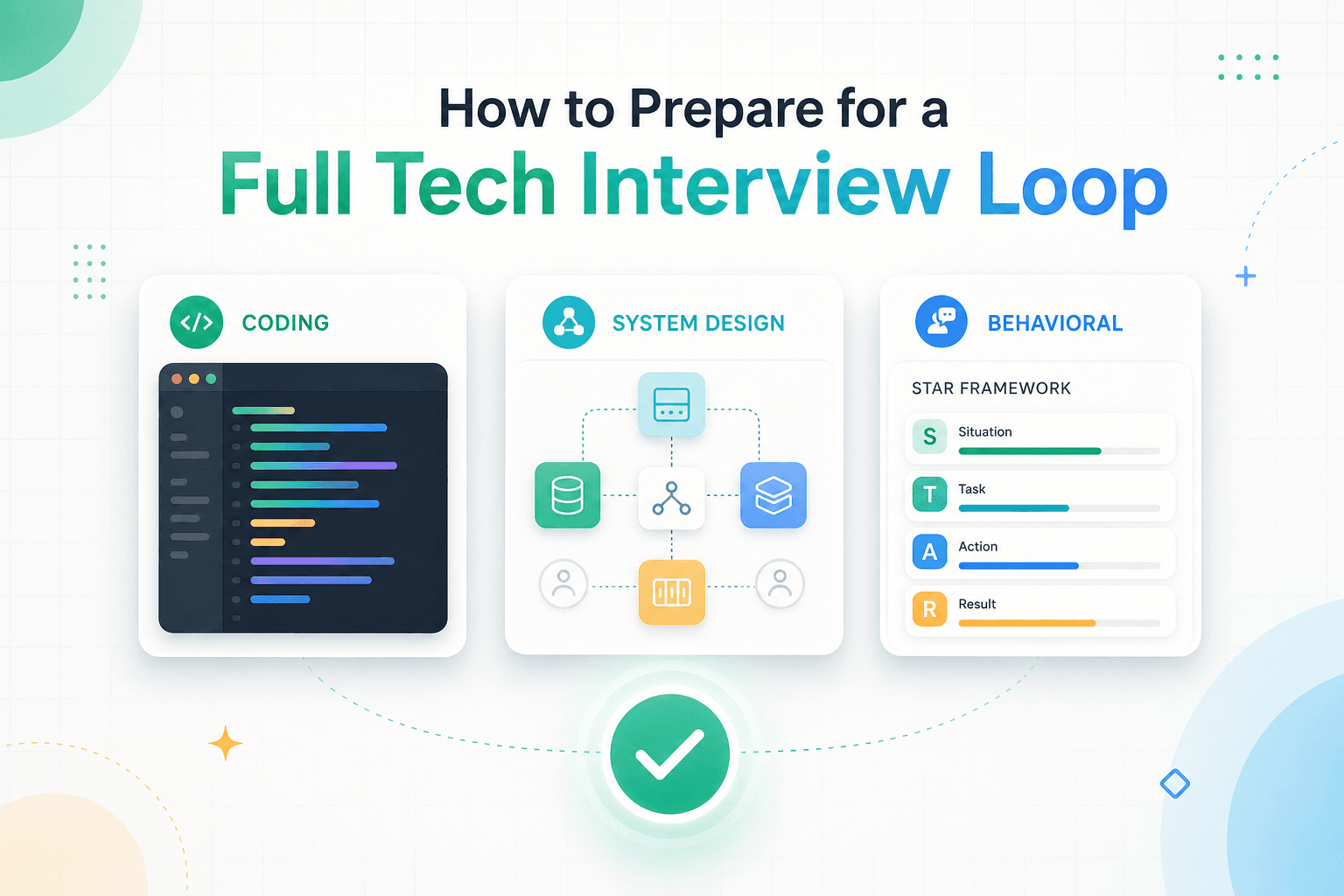
How to Prepare for a Full Tech Interview Loop
A 4-week study plan for full interview loops at product companies — coding, system design, behavioral — built from the same prep we use inside the PathWand Tech Fellowship.